PunchOut Catalog Integration Services for Suppliers | IoTree Minds

PunchOut Integration

PunchOut catalog integration for suppliers selling into Ariba, Coupa and SAP

Your buyer wants to order from you inside their procurement system. We build the PunchOut catalog that makes it work: cXML or OCI, connected to SAP Ariba, Coupa, Jaggaer, GEP SMART or SAP, tested with each buyer and supported after go-live. We also make the free PunchOut Tester that suppliers use to check their catalogs.

What PunchOut is

Your catalog, inside your buyer's procurement system

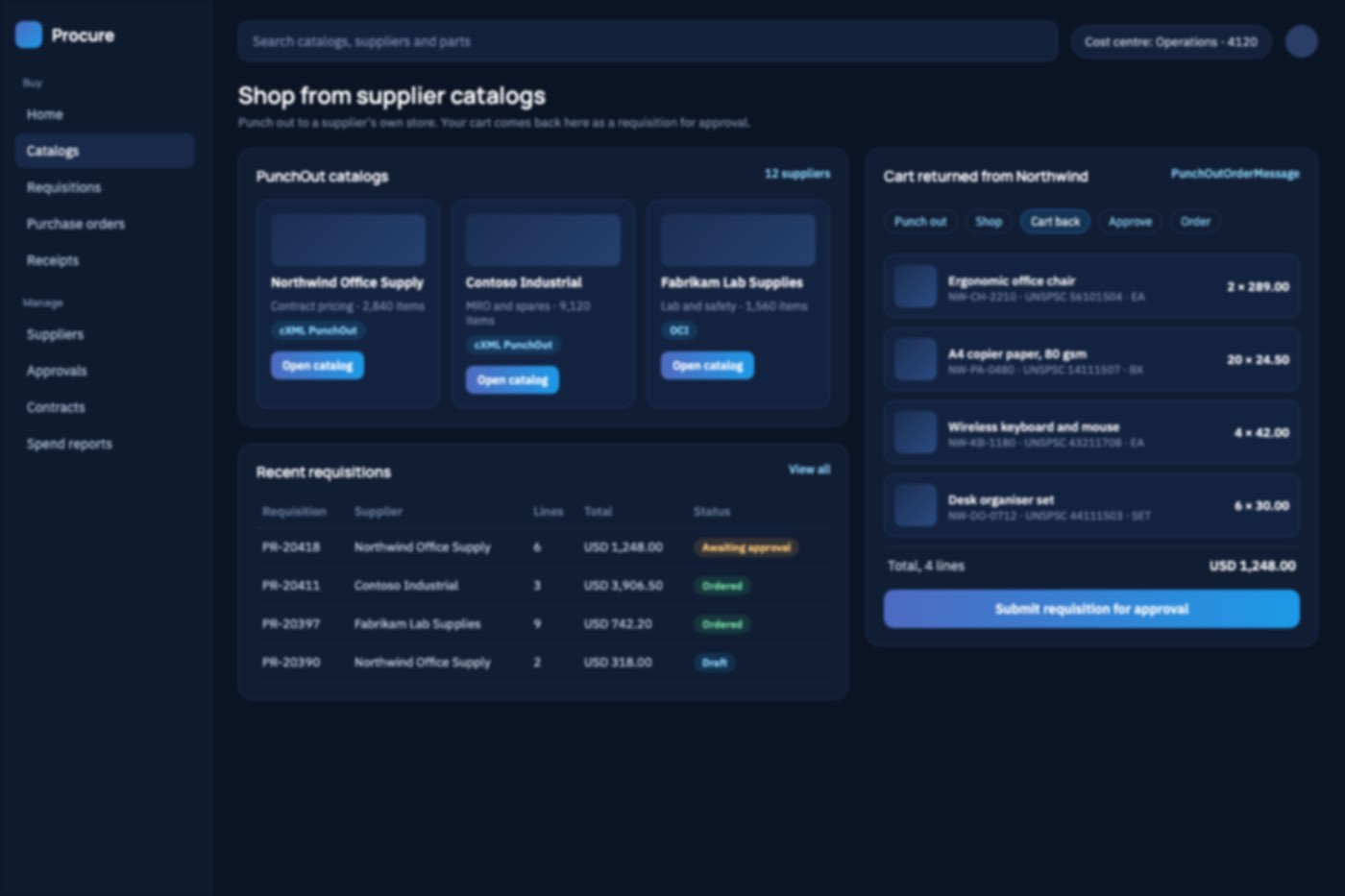
A PunchOut catalog lets a buyer shop your website from inside SAP Ariba, Coupa, Jaggaer or GEP. They "punch out" to your catalog, see their own contract prices and products, fill a cart, and the cart goes back into their procurement system for approval. The approved purchase order then comes to you automatically.

Large buyers often ask for PunchOut before they will add a supplier. Getting it right means cXML or OCI messages that each buyer's system accepts, per-buyer catalogs and pricing, and a round of testing with every buyer. We handle all of it, and we test every connection with our own PunchOut Tester before your buyer does.

What's included

PunchOut integration services

01

cXML PunchOut Catalogs

PunchOut for SAP Ariba, Coupa, Jaggaer, GEP SMART and other cXML systems: setup, carts returned as PunchOutOrderMessage, and purchase orders received as OrderRequest.

  • Setup request and StartPage
  • Create, edit and inspect sessions
  • OrderRequest and confirmation
02

OCI PunchOut for SAP

SAP Open Catalog Interface catalogs for SAP SRM, S/4HANA and other SAP-connected buyers, with the cart returned as NEW_ITEM fields.

  • OCI 4.0 and 5.0
  • HOOK_URL cart return
  • SAP SRM and S/4HANA
03

PunchOut Storefronts and Buyer Catalogs

A PunchOut-ready storefront, or PunchOut added to the store you run (Adobe Commerce, Shopify or custom), with each buyer's own products, contract prices and UNSPSC codes.

  • New or existing stores
  • Contract and tier pricing
  • UNSPSC and UOM per buyer
04

Testing, Go-Live and Support

We test every connection with our PunchOut Tester, work through each buyer's certification to production, and fix connections that fail.

Explore the free PunchOut tester
  • Buyer certification support
  • Failed setups and rejected carts
  • Monitoring after go-live

A buyer has asked you for PunchOut?

Tell us which procurement system they use and what your store runs on. We'll tell you what it takes.

Book a free consultation

What we connect

PunchOut projects we take on

First PunchOut buyer

A large customer has asked you for PunchOut. We get you live with them.

More buyers, one catalog

Add buyers and procurement systems without rebuilding each time.

Broken connections

Carts that don't come back, prices that don't match, setups that fail.

Order automation

Purchase orders from buyers flow into your order or ERP system.

Already have PunchOut that keeps failing?

Send us the error or the cXML. We'll find where it breaks.

Talk to our team

Why hire us

A PunchOut team that sees it through go-live

How we work

From first conversation to production

  1. 1

    Discover

    We learn which buyers and procurement systems you need, and what your store runs on.

  2. 2

    Build

    We build the PunchOut endpoints, per-buyer catalogs and the order flow.

  3. 3

    Test

    We test with our PunchOut Tester, then with each buyer's test system.

  4. 4

    Go live and support

    We switch each buyer to production and support the connection after launch.

Get a clear plan for your PunchOut catalog

A free consultation, then a written estimate of scope, timeline and cost.

Book a free consultation

Tools

Protocols, systems and platforms

Protocols
  • cXML 1.2 (PunchOut and OrderRequest)
  • SAP OCI 4.0 and 5.0
Procurement systems
Ecommerce platforms
  • Custom storefronts
Testing

FAQ

Questions about PunchOut Integration

Ask us something else
What is a PunchOut catalog?

A PunchOut catalog is a supplier's online store that a buyer opens from inside their procurement system, such as SAP Ariba or Coupa. The buyer shops with their own prices and products, and the cart goes back into their procurement system as a requisition for approval.

What is PunchOut integration?

PunchOut integration connects your store to a buyer's procurement system so they can shop your catalog and send you purchase orders without leaving their system. It covers the setup request, the cart return and the purchase order, in cXML or, for SAP buyers, OCI.

Can you add PunchOut to our existing online store?

Yes. We can add PunchOut to the store you already run, such as Adobe Commerce (Magento), Shopify or a custom site, or build a PunchOut storefront just for your procurement buyers.

How long does a PunchOut integration take?

It depends on the procurement systems, the number of buyers and how your catalog and pricing are managed. After a free consultation we send a written estimate of scope and timeline. Each buyer's own testing also takes time, and we work through it with you.

Our PunchOut connection keeps failing. Can you fix it?

Yes. Send us the error or the cXML your buyer's system rejects. We find whether the problem is in the setup, the cart or the order, fix it, and can support the connection after that.

Is there a way to test our PunchOut catalog ourselves?

Yes. Our free PunchOut Tester sends the same requests a procurement system would and checks the cart and order that come back. No sign-up is needed.

Get in touch

Tell us your requirements

Share what you'd like to build or automate. We'll reply by email to set up a free consultation.

  • Free consultation, no commitment
  • Talk to the people who will build it
  • Your details stay with us

Let's talk

A buyer wants you on PunchOut?

Tell us which procurement system they use and what your store runs on. We'll tell you what it takes to go live.

Talk to a PunchOut expert